
Overview
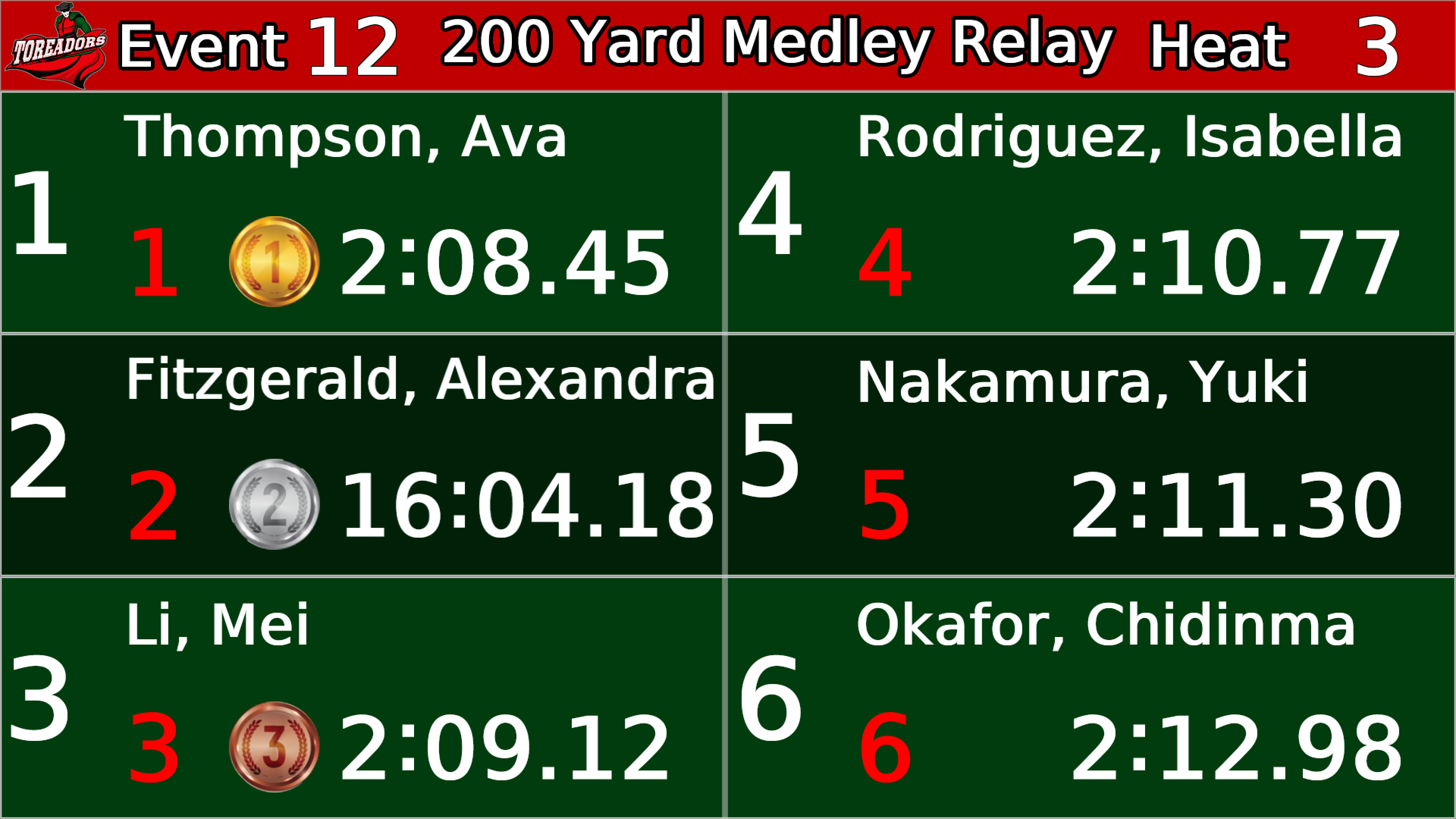
Designer is where a scoreboard gets built: drag in score fields, clocks, sponsor zones, video regions, and animations, style them with a large athletic font library, and preview against live or simulated game data through the same GPU renderer the display uses — the preview is pixel-identical to the board. On game night it becomes the show controller: assignable hotkeys fire animations and score changes together, layouts switch per sport, and a tablet can run the whole show with layouts synced automatically. Designer is the successor to our Rocket Effects software and imports existing Rocket Effects backups and LedPlayer .lay layout files directly.
Specifications
| Platforms | Windows and macOS desktop |
|---|---|
| Layout Tools | Drag-and-drop zones for score data, clocks, video, images, animations, and sponsor inventory |
| Preview | Rendered by the production GPU engine — previews match the physical board exactly |
| Show Control | Multi-action hotkeys, per-sport layout switching, synced tablet control |
| Compatibility | Imports Rocket Effects backups and LedPlayer .lay layouts |
| Fonts & Media | Large curated athletic font library; PNG, SVG, video, and animation media support |
| Licensing | Included with Display Player systems; standalone licenses available |
See Designer on your display
The best demo is your own screen: we'll connect remotely, put live scoreboard content on your LED display, and walk through the workflow with your operators.
Book a Demo